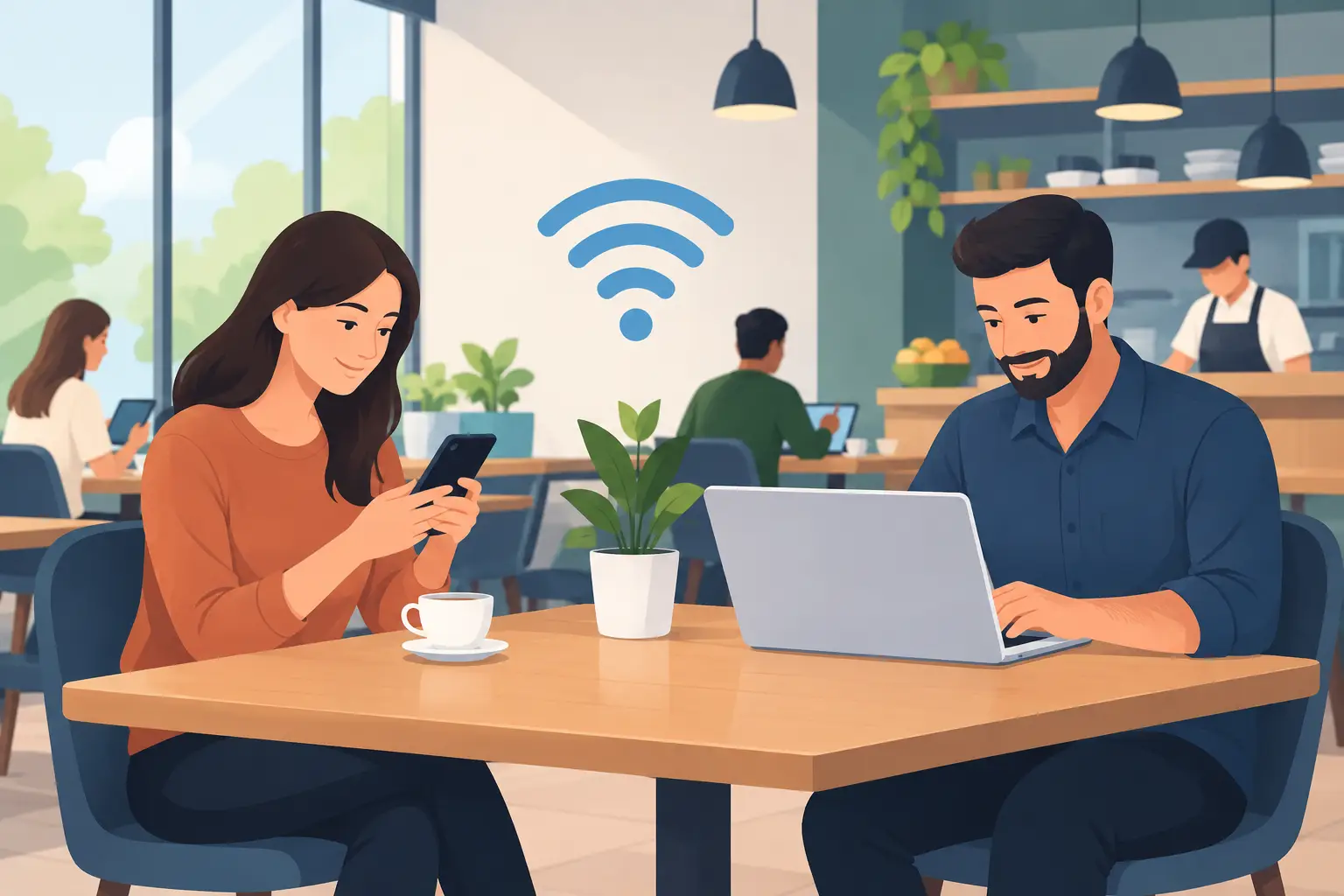
A customer settles into a booth, opens a laptop, and asks for the Wi-Fi password before ordering coffee. That moment is common, but restaurant guest wifi solutions are about more than putting a password on a chalkboard. The network has to be easy for guests to use, reliable during a lunch rush, and separate from the systems your staff depends on to take payments, print tickets, and manage orders.
For restaurant owners, the goal is practical: provide a useful amenity without creating a security problem, slowing down operations, or adding another technology issue for a manager to solve on a busy Friday night. The right approach starts with the restaurant’s layout, service model, and existing technology, not with the least expensive router on the shelf.
What Restaurant Guest WiFi Solutions Need to Do
Guest Wi-Fi should feel simple to the customer. They should be able to find the network, accept the terms of use if needed, and get online without repeated dropouts. At the same time, it should be designed so a guest’s phone, laptop, or tablet cannot reach your point-of-sale system, staff devices, security cameras, office computer, or other business equipment.
That separation matters. A shared network can expose business systems to unnecessary risk and make troubleshooting harder. If the guest network slows down or a visitor’s device has a problem, your operations should continue normally. This is typically handled through separate network segments, often called VLANs or SSIDs, with rules that keep guest traffic away from internal business traffic.
A useful guest Wi-Fi setup also manages bandwidth. One person streaming video should not interfere with online ordering tablets or the card terminal. Bandwidth controls can limit how much speed each guest device receives, prioritize critical restaurant traffic, and prevent a handful of devices from using the entire internet connection.
The exact configuration depends on the restaurant. A quick-service location may need broad coverage for a steady stream of short visits. A coffee shop or casual dining restaurant where customers work for an hour may need stronger capacity and clear session limits. A restaurant with patio seating, private event rooms, or multiple floors needs coverage planning that accounts for walls, kitchen equipment, refrigeration units, and outdoor distance.
Start With the Business Systems You Cannot Afford to Interrupt
A reliable design begins by identifying what is already connected. Many restaurants have more network-dependent equipment than they realize: point-of-sale terminals, kitchen display systems, receipt printers, music players, security cameras, digital menu boards, inventory tablets, office computers, and smart appliances.
These systems do not all have the same needs. A security camera may use significant upload bandwidth. A point-of-sale system may use little bandwidth but needs a stable, low-latency connection. Kitchen equipment needs dependable coverage in areas where concrete, metal, and heat can interfere with wireless signals.
Before adding guest access, an installer or managed technology provider should map these priorities. The question is not simply, “How fast is our internet?” A better question is, “Which systems must keep working if the dining room is full of connected devices?”
This is also the right time to review your internet service. A fast download speed alone does not guarantee a good result. Upload capacity, connection reliability, equipment quality, and the number of simultaneous users all affect performance. In some locations, a backup internet connection may be worthwhile, especially when card payments and online orders depend on connectivity.
Design Coverage for Where Guests Actually Sit
Wireless coverage is not measured well from behind the host stand. A signal may look strong near the router yet become unreliable in a corner booth, on the patio, or in a private dining room. Coverage should be planned around the full guest experience.
Access points are usually more effective than relying on one consumer-grade router. They can be positioned throughout the space and managed as one network. Proper placement is important. Mounting equipment near the ceiling may improve coverage, while placing it near large metal appliances, behind walls, or inside cabinets can reduce signal quality.
A site assessment helps reveal trouble spots before customers complain. It should consider seating areas, bar service, pickup counters, restrooms, outdoor areas, and back-of-house spaces. It should also account for busy times, when dozens of phones may connect at once.
More access points are not always better. Too many poorly configured devices can cause interference and create inconsistent performance. The right number depends on square footage, building materials, customer density, and the services running on the network.
Keep the Guest Network Separate and Managed
The most important technical decision is separation. Guest Wi-Fi should have its own network name and its own security rules. Staff should use a separate network, while payment systems and other critical equipment may require their own protected segment.
This setup reduces risk and makes operational problems easier to isolate. If guests report slow internet, staff can investigate that network without making changes to point-of-sale connectivity. If a staff tablet needs access to a business application, it can be given the right level of access without opening internal systems to every customer device.
A well-managed setup commonly includes a few practical controls:
- Guest network isolation that prevents connected devices from seeing one another or reaching business equipment.
- Bandwidth limits that keep heavy guest use from affecting operations.
- A branded sign-in page or simple terms-of-service screen when appropriate.
- Content filtering and firewall rules that reduce exposure to harmful or inappropriate traffic.
- Centralized monitoring so equipment problems can be identified before they affect service.
Not every restaurant needs every feature. A small neighborhood café may prefer a straightforward password-protected network with strong separation. A multi-location restaurant, hotel restaurant, or venue with event traffic may benefit from centrally managed access points, branded access pages, usage policies, and reporting.
Think Carefully About Guest Data and Marketing
Guest Wi-Fi can support marketing, but it should not become a barrier between a customer and their meal. Requiring guests to enter an email address, complete a lengthy form, or accept aggressive promotional terms may create frustration instead of loyalty.
If you use a sign-in page to collect contact information, be clear about what is collected, why it is collected, and how it will be used. Follow applicable privacy rules and make marketing consent meaningful. Do not treat a Wi-Fi login as permission to send unrelated promotions indefinitely.
For many restaurants, the better use of a branded guest portal is simple communication. It can display your name, service terms, social channels, specials, or a link-free message about ordering options. The connection process should remain quick. A customer waiting for a meeting or trying to send a message should not need technical help from a server.
Plan for Support, Not Just Installation
Restaurant technology needs support after it is installed. Passwords change, equipment ages, internet providers have outages, and layouts change when a patio expands or a private room becomes a regular service area. A network that works on opening day can become unreliable over time without monitoring, updates, and occasional adjustments.
Managed restaurant guest wifi solutions can reduce that burden by giving the restaurant one point of contact for network design, installation, security settings, maintenance, and troubleshooting. That is particularly valuable for owners who do not have an in-house IT team or a manager who should be spending a dinner rush rebooting equipment.
Freedom USA Technologies can help restaurants assess their current network, separate guest and business traffic, improve coverage, and build a support plan around their operations. The starting point is not a technical checklist. It is a conversation about what needs to work, where customers connect, and what interruptions cost the business.
A guest Wi-Fi network should quietly support the experience you want customers to have: a comfortable place to dine, meet, wait, work briefly, or return to. When it is planned around your operations and managed with care, it becomes one less thing your team has to think about.