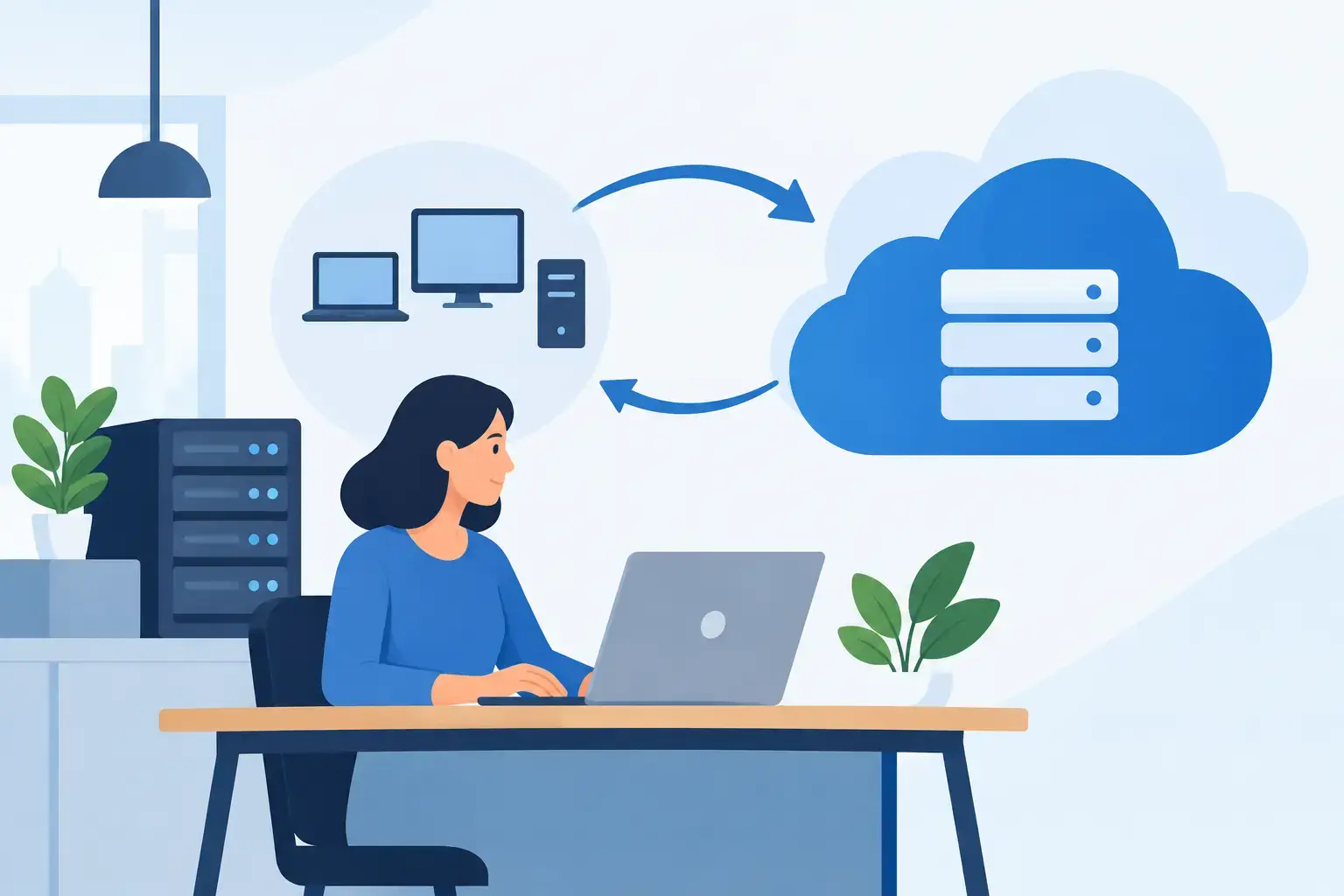
A contractor needs job photos and estimates from the field. A medical office needs staff to reach approved files without exposing patient information. A restaurant owner needs point-of-sale, scheduling, and email to keep working when a computer fails. Those are business continuity issues, not abstract IT projects. Cloud migration for small business is the process of moving the right systems, files, and services to managed online platforms so your team can work reliably from the office, jobsite, storefront, or home.
The goal is not to move every piece of technology simply because it has a cloud label. The goal is to make daily work easier, protect business information, and reduce the disruption caused by aging hardware, scattered files, or systems only one person understands.
Why Cloud Migration for Small Business Is Worth Planning
Small businesses often reach the cloud gradually. A team starts using web-based email, adds online file storage, moves its phone system to a hosted platform, and later adopts accounting, customer management, or scheduling software. That can work well, but without a plan, information ends up spread across personal accounts, office desktops, shared drives, and different subscriptions no one is tracking.
A thoughtful migration creates a clearer operating system for the business. Staff know where current files belong. Owners can approve access instead of passing around passwords. A lost laptop does not automatically mean lost customer records. If a location loses power or a device breaks, the business has a better chance of continuing work from another approved device.
Cloud services can also replace expensive on-site equipment that needs maintenance and eventual replacement. A hosted business phone system, for example, can allow calls to ring desk phones, mobile devices, or remote team members while keeping a professional business number. That flexibility is useful for service companies, growing offices, and businesses with more than one location.
Still, cloud services are not automatically cheaper or safer. Monthly subscriptions add up, internet reliability matters, and poorly managed user access can create real risk. The best decision depends on what your business uses, how sensitive the information is, and how much downtime your operation can tolerate.
Start With a Practical Inventory
Before selecting platforms, identify what your team actually depends on during a normal week. This means more than making a list of computers. Look at the work behind them: email, customer contacts, estimates, invoices, inventory, shared documents, scheduling, phone calls, payment systems, cameras, remote access, and industry-specific applications.
For each system, ask four plain questions. Who uses it? Where is the data stored now? What happens if it is unavailable for one day? Does it contain customer, financial, health, or employee information that requires stronger controls?
This step often reveals priorities quickly. A retailer may need to protect point-of-sale reporting and vendor records first. A law office may focus on document access, retention, and permissions. A plumbing company may put mobile estimates, dispatch, and call handling at the top of the list. Your migration plan should reflect the work that produces revenue and serves customers, not a generic technology checklist.
It also helps to identify systems that should not move immediately. Some specialized applications work best on a local computer or server because of equipment connections, file size, licensing, or industry requirements. In those cases, a hybrid setup may be the right answer: keep a necessary local system while placing backups, email, collaboration, and communications in managed cloud services.
Choose Services That Fit the Job
A cloud platform should solve a specific operational problem. Online file storage should make document access and recovery easier, not create five new folders with unclear ownership. Hosted phones should improve customer communication, not force staff to use confusing workarounds. Security tools should protect accounts without making routine work impossible.
When comparing options, look beyond the monthly price. Ask how accounts are created and removed, how data is backed up, what happens when internet service is interrupted, and who provides support when a staff member cannot sign in. Confirm where business data is stored, whether permissions can be assigned by role, and whether multi-factor authentication is available.
For many small businesses, standardizing on fewer well-managed tools is more useful than buying a separate app for every task. A consistent email, file-sharing, phone, and security setup reduces training time and makes support easier. It also gives owners a clearer view of recurring technology costs.
A Safer Cloud Migration Plan
Moving everything at once can create confusion, especially when staff are busy serving customers. A phased approach usually reduces risk. Start with a service that has a clear benefit and limited disruption, then use what you learn before moving more critical systems.
A practical plan should include these five steps:
- Set the business outcome. Define what needs to improve, such as secure remote access to estimates, reliable call routing, or faster recovery after equipment failure.
- Clean up before moving. Archive outdated files, remove duplicate records, and decide which information is still needed. Migrating clutter only makes the new system harder to manage.
- Prepare users and access rules. Create individual accounts, assign only the access each role needs, and avoid shared logins. Shared credentials make it difficult to trace activity or remove access when someone leaves.
- Move, test, and verify. Transfer a controlled group of files, users, or services first. Test permissions, mobile access, printing, call routing, backups, and any connection to other business software.
- Document and support the change. Give employees simple instructions for routine tasks and a clear contact for help. Record account ownership, renewal dates, recovery steps, and administrative access in a protected location.
Testing deserves more attention than it usually gets. A successful file transfer does not guarantee that the right employees can open the right documents. A new phone system is not ready until calls route correctly during business hours, after hours, and when the primary contact is unavailable. Schedule testing around real work scenarios, not just a technical checklist.
Security Must Move With the Data
Cloud migration changes where information lives, but it does not remove the need for security. In many cases, the biggest risk is not the cloud provider. It is a stolen password, an employee using a personal email account, an unpatched computer, or a convincing phishing message.
Begin with individual user accounts and multi-factor authentication for email, financial systems, file storage, and administrative portals. Use strong, unique passwords managed through an approved password tool. Review access regularly, especially after job changes or employee departures. A former employee should not retain access to company email, documents, customer lists, or call records.
Device protection matters too. Cloud access from an unprotected laptop can expose the same data that was secure in the office. Keep operating systems and software updated, use endpoint protection, require screen locks, and make sure lost devices can be removed from business accounts. For organizations handling regulated or highly sensitive information, additional controls, retention practices, and compliance requirements may apply.
Backups remain necessary. Cloud storage is not always the same thing as a complete backup strategy. Files can be deleted, encrypted by ransomware, or changed incorrectly and then synchronized across accounts. Confirm what is recoverable, how long it is retained, and who can restore it.
Budget for the Full Operating Cost
Cloud migration can reduce capital expenses, but it replaces some one-time purchases with ongoing monthly costs. That is often easier to budget for, provided the business understands the full picture. Include user licenses, storage, phone services, security tools, setup, training, internet upgrades, and support in the estimate.
Avoid choosing a platform based only on its entry-level price. A low-cost service may become expensive if it lacks needed storage, administration, security, or support. On the other hand, a larger enterprise package may be unnecessary for a five-person team. The right fit is the one that supports current work, allows reasonable growth, and does not leave the owner managing technology after hours.
This is where a managed technology partner can help. Freedom USA Technologies can assess the systems behind your daily operations, design a practical path forward, and provide ongoing support so cloud tools remain useful after the initial setup.
The right first move may be as simple as organizing business email and shared files, improving backup coverage, or moving customer calls to a hosted phone platform. Start with the point of friction your team feels most often, then build a cloud environment that makes work more dependable one step at a time.