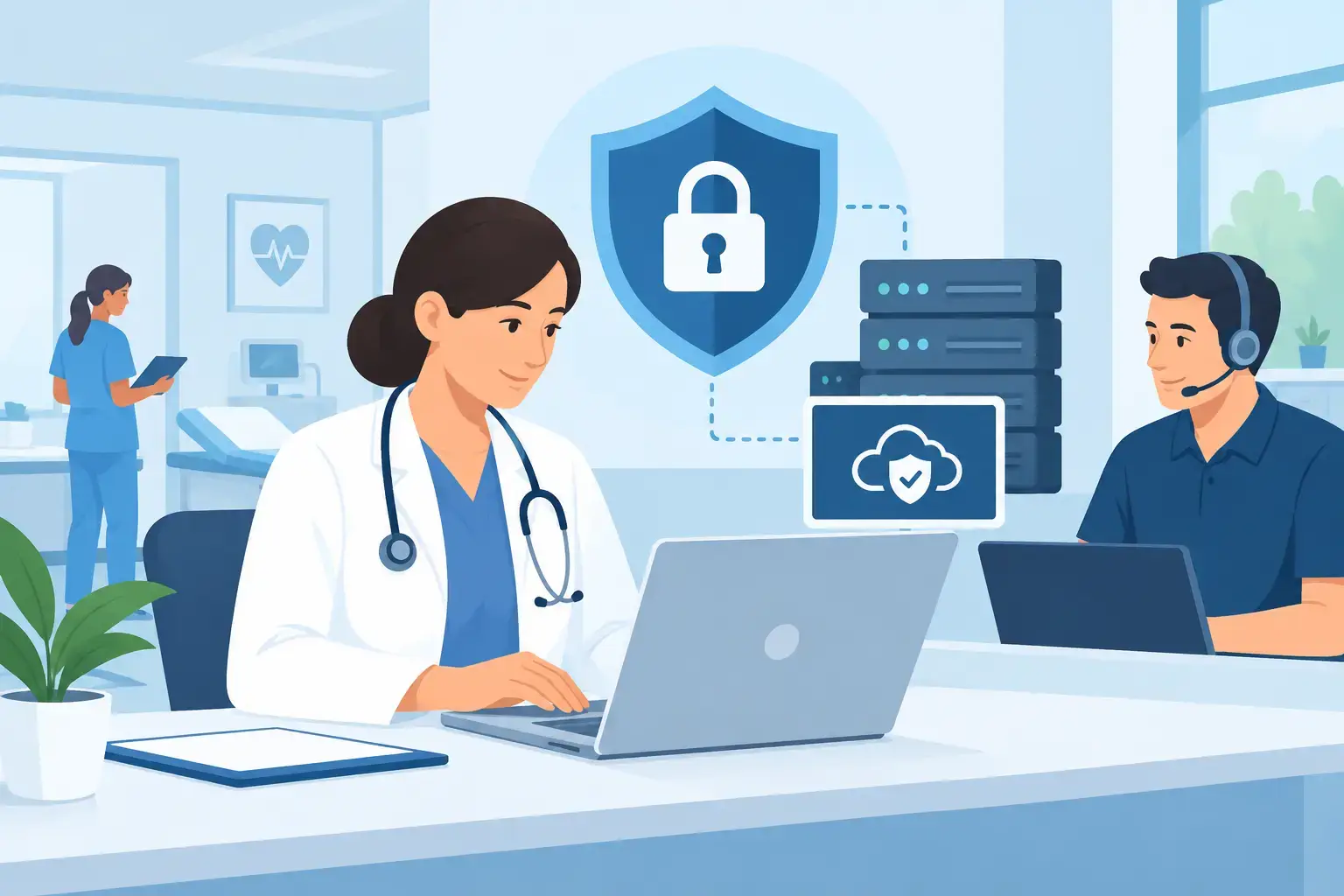
A patient is waiting at the front desk, your scheduling system will not load, and staff members are using personal email to send information because they need an answer quickly. That is not only a workflow problem. In a healthcare setting, it can become a patient-data problem. HIPAA compliant IT support helps medical offices keep their technology available, secure, and practical when the pressure is on.
For a small clinic, dental practice, therapy office, or senior-living organization, compliance cannot live in a policy binder. It has to show up in the way computers are configured, how employees sign in, where files are stored, who can access them, and what happens when a device fails. The goal is not to make your staff into cybersecurity specialists. The goal is to give them systems that support safe, consistent care.
What HIPAA-Compliant IT Support Actually Means
HIPAA does not certify an IT company or create one universal product that makes an organization compliant. Compliance remains the responsibility of the covered entity or business associate. A qualified IT provider supports that responsibility by helping implement and maintain the administrative, physical, and technical safeguards required to protect electronic protected health information, often called ePHI.
In plain terms, your technology support should help answer practical questions. Can only approved people see patient records? Are lost laptops protected? Can we restore our data after ransomware or equipment failure? Do we know who has access to our systems? Can our staff keep working if the internet, phones, or a key application goes down?
The right answer depends on your office. A two-provider practice with cloud-based records has different risks than a multi-location clinic with onsite servers, connected medical devices, remote staff, and a call center. Good support starts with your actual operations, not a generic package of security tools.
The Technology Areas That Need Attention
Access control and secure logins
Every team member should have an individual account. Shared passwords at reception desks may feel convenient, but they make it difficult to control access or understand what happened after an issue. Individual accounts should be removed promptly when an employee leaves or changes roles.
Multi-factor authentication adds another layer of protection, especially for email, remote access, cloud storage, and administrative accounts. It is a small extra step that can prevent an attacker from using a stolen password to enter systems containing patient data.
Access should also follow job responsibilities. A billing coordinator may need certain information that a part-time contractor does not. The principle is simple: provide the access needed to do the job, and no more.
Secure devices, networks, and remote work
A workstation handling patient records needs more than antivirus software. It needs current operating system and application updates, encrypted storage where appropriate, managed user permissions, and a clear way to lock or wipe a lost device. Unsupported computers and outdated routers create unnecessary exposure, even when employees are careful.
Your network also needs separation and control. Guest Wi-Fi should not share the same network as clinical workstations or office systems. Remote employees need a secure method of access, not a personal laptop connecting however it can. If a provider checks records from home, that workflow deserves the same planning as a workstation in the office.
Backup and recovery that is tested
Backups are essential, but backup files alone do not guarantee recovery. Your office needs to know how quickly critical applications, files, and communications can return after a ransomware attack, failed server, accidental deletion, or local outage.
A workable recovery plan includes protected backups, retention rules, and regular restoration testing. Testing matters because a backup that cannot be restored is not a recovery plan. It also helps leadership make informed decisions about trade-offs. Near-instant recovery may cost more than restoring within a business day, but either option is better than discovering the limits during a crisis.
Email, communications, and vendor oversight
Email remains one of the most common ways attackers enter an organization. Managed filtering, phishing protection, account monitoring, and staff training can reduce risk substantially. Still, technology cannot replace judgment. Employees need a clear process for reporting suspicious messages without feeling embarrassed for asking.
Healthcare organizations also rely on outside vendors for cloud applications, phone services, billing, transcription, IT, and more. When a vendor creates, receives, maintains, or transmits ePHI on your behalf, a Business Associate Agreement may be required. Your IT support provider can help identify systems that touch patient data, but legal and compliance decisions should be reviewed with qualified counsel or your compliance professional.
What a HIPAA IT Assessment Should Find
Before purchasing more tools, start with a clear picture of what you have. A useful assessment maps where ePHI is created, stored, transmitted, and accessed. That includes obvious systems such as electronic health records and email, as well as overlooked items such as shared folders, scanned documents, personal smartphones, copier hard drives, and third-party file-sharing accounts.
It should also identify gaps between policy and daily practice. For example, you may have a policy requiring secure passwords, but staff may still share a single login for a scheduling platform. You may pay for cloud backup, but no one has confirmed whether it includes the files that matter most. These are common operational gaps, not reasons for blame.
A productive assessment typically reviews these areas:
- User accounts, passwords, multi-factor authentication, and access rights
- Workstations, servers, mobile devices, software updates, and encryption
- Network security, Wi-Fi separation, firewalls, and remote access
- Email protection, backup coverage, incident response, and recovery testing
- Vendor relationships, documentation, and technology policies
The output should be a prioritized action plan, not a stack of technical jargon. Some items may require immediate attention, such as an exposed remote-access system or former employee accounts. Others can be planned around budget cycles, equipment replacement schedules, or office expansion.
Choosing HIPAA Compliant IT Support
When comparing providers, look past the promise of “HIPAA compliant.” Ask how they support the work that makes compliance possible. Will they document systems and access changes? Do they monitor devices and apply updates on a schedule? Who responds after hours if a critical system goes down? How do they handle onboarding and offboarding? Can they explain the recovery process in business terms?
You should also ask whether the provider will sign a Business Associate Agreement when appropriate and whether they understand the difference between a security tool and a managed security process. Buying a firewall is not the same as monitoring it. Enabling backups is not the same as testing restoration. Installing multi-factor authentication is not the same as making sure it is used consistently.
For smaller practices, a managed approach is often more practical than hiring internal specialists for every need. The provider can maintain a technology roadmap, coordinate vendors, manage support requests, and keep routine security work from being pushed aside by the next urgent patient-care task. Larger organizations may need co-managed support that works alongside an internal IT team. Either model can work when responsibilities are clear.
Make Compliance Part of Normal Operations
The strongest security habits are the ones that fit into the workday. New employees should receive the right accounts and basic security training before they begin handling patient information. Departing employees should lose access promptly. Software updates, access reviews, backup checks, and phishing training should follow a schedule rather than happen only after an incident.
Documented processes also reduce stress when something goes wrong. Staff should know whom to call if they click a suspicious link, lose a phone, receive an unusual records request, or cannot access a core system. Quick reporting gives your technical and compliance teams more options to contain an issue.
Freedom USA Technologies helps organizations turn complicated technology requirements into managed, practical systems. For healthcare offices, that means starting with the systems your team uses every day, addressing the highest risks first, and building support around dependable operations.
Patient trust is built in exam rooms, at front desks, and in every interaction with your office. It is also protected quietly in the background by secure logins, maintained devices, tested backups, and knowledgeable support that is ready when your team needs it.