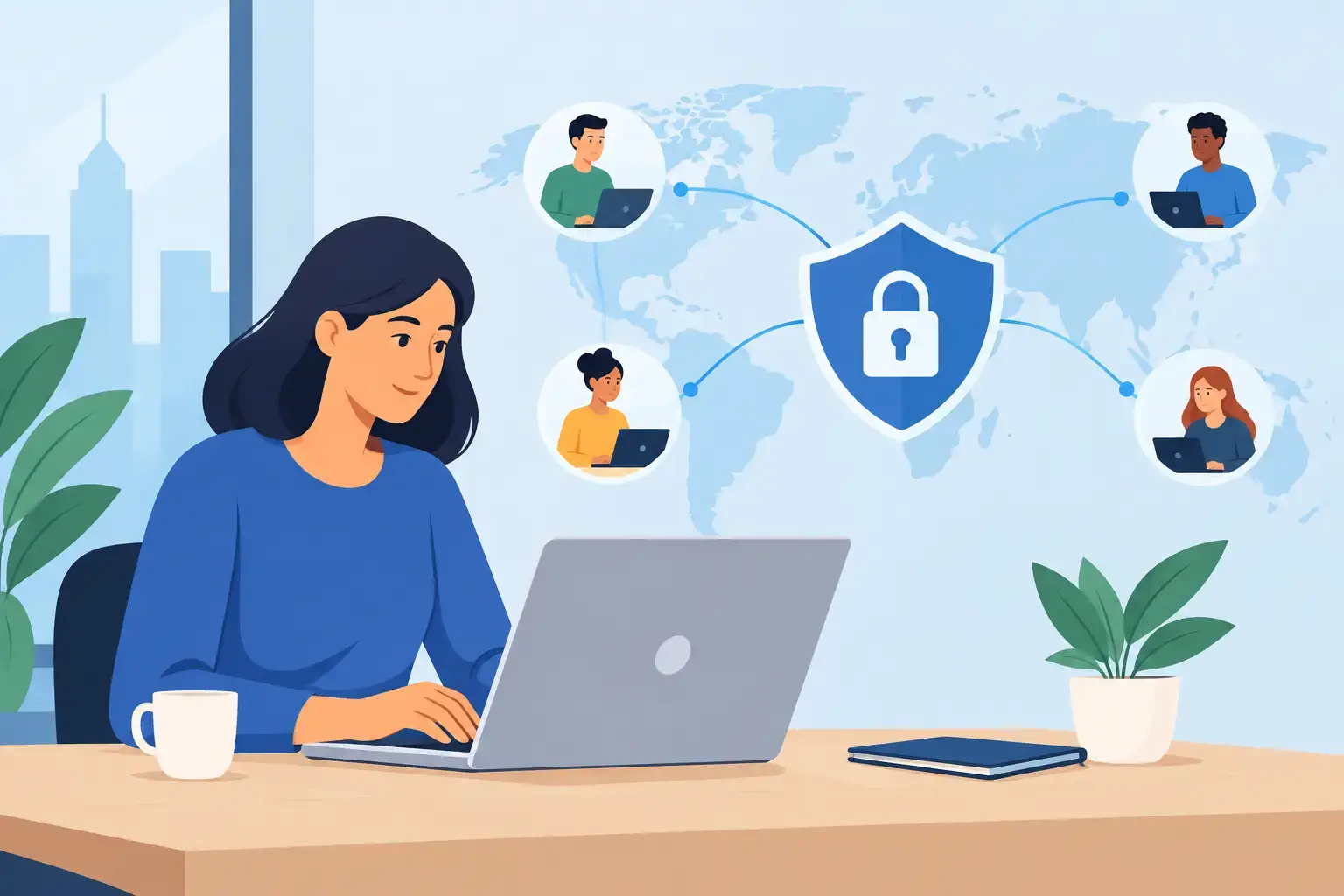
A VPN for remote workers is no longer only a concern for companies with large, fully distributed teams. If an office manager checks payroll from home, a contractor sends estimates from a coffee shop, or a manager accesses files while traveling, business information is moving beyond the office network. That creates a practical question: how do you protect that connection without making daily work harder?
A virtual private network, or VPN, can be part of the answer. It creates an encrypted connection between a device and a trusted network or VPN service. In plain terms, it helps keep data private while employees use internet connections the business does not control. The right setup can protect sensitive activity, support secure access to company resources, and give owners more confidence when work happens outside the office.
What a VPN for Remote Workers Actually Does
When a remote employee connects to the internet at home, in a hotel, or on public Wi-Fi, their traffic travels through networks that may not be managed by the business. A VPN encrypts data in transit, making it much harder for someone on the same network to intercept useful information.
This matters when staff members access email, cloud applications, customer records, accounting systems, shared drives, or internal business tools. A VPN can also give employees a secure path back to resources located at the office, such as a file server, a specialized application, or a network-connected system that should not be exposed directly to the public internet.
A VPN is not a magic shield. It does not fix a stolen laptop, a weak password, a fraudulent email, or an employee who accidentally shares information with the wrong person. It is one layer in a security plan. Used with multi-factor authentication, managed devices, secure backups, and employee awareness, it helps reduce a common risk: unprotected connections outside the workplace.
When Your Business Needs a VPN
The need depends on how people work and what they access. A restaurant owner using a personal laptop to view a cloud dashboard at home may need a different setup than a medical office whose staff access sensitive records remotely. The key is to look at the data, the devices, and the locations involved.
A VPN is especially worth considering when employees connect to office-based files or systems, work with customer or financial information, regularly travel, use public Wi-Fi, or need a consistent and controlled way to access company resources. It can also help businesses that want to limit access to certain systems by location or user role.
For teams that use only well-secured cloud applications, a traditional VPN may not always be required for every task. Many modern cloud platforms already encrypt connections and offer strong access controls. Even then, a VPN can add protection on untrusted networks and may be necessary for access to internal tools. The right decision should be based on your actual workflow, not a one-size-fits-all rule.
The Business Benefits Go Beyond Privacy
Security is the primary reason to use a VPN, but operational consistency is another real benefit. A properly configured VPN gives remote staff a standard way to connect. Instead of asking employees to improvise with personal software or open remote-access tools, the business can define who has access, what they can reach, and how that access is managed.
That structure can make support easier. When a worker has trouble reaching an office application, the IT team has a known connection method to review. When someone leaves the company, access can be removed as part of the offboarding process. When a device is lost, the business can respond faster if the device and account are managed properly.
For smaller organizations, this control can be just as valuable as the encryption itself. Owners should not have to wonder whether a departing employee still has access to shared files or whether a staff member is using an unapproved remote-access app.
What to Look for in a Business VPN
Consumer VPN services are often marketed around streaming, anonymous browsing, or choosing a different virtual location. Those features are not the main concern for most businesses. A business VPN should support your operations, protect your data, and be manageable as your team changes.
Look for a solution that provides strong encryption, multi-factor authentication, individual user accounts, and centralized administration. Each employee should have their own credentials, not a shared company password. Administrators should be able to add and remove users quickly, review access settings, and apply consistent security policies.
Device support matters as well. Your team may use Windows computers, Macs, tablets, and phones. The VPN should work reliably on the devices approved for business use. If employees need access while traveling, confirm that the connection process is simple enough to follow without frequent support calls.
You should also ask whether the VPN is designed for remote access or site-to-site connectivity. Remote-access VPNs connect individual users to the business network. Site-to-site VPNs securely connect two fixed locations, such as a main office and a warehouse. Some businesses need one type; others need both.
Speed is a trade-off worth discussing. Encrypting traffic and routing it through a VPN can reduce performance, especially on weak home internet connections. The goal is not simply to route every bit of internet activity through a VPN. The goal is to protect business activity without creating unnecessary delays for calls, video meetings, cloud applications, or customer service.
Set Up Remote Access Around Real Work
The best VPN setup begins with a simple inventory. Identify who works remotely, which devices they use, which systems they need, and what type of information they handle. This prevents a common mistake: giving every user broad access to the entire network because it is easier at the start.
Use the principle of least privilege. Employees should receive access to the applications and files required for their job, and no more. A bookkeeper may need accounting software and payroll files. A field supervisor may need scheduling tools, job photos, and customer information. Neither person necessarily needs access to every shared folder or administrative system.
It is also wise to separate business devices from personal devices whenever possible. A company-managed laptop can be configured with updates, endpoint protection, screen-lock requirements, and approved applications. If personal devices must be used, establish clear rules for passwords, operating system updates, secure storage, and what happens if the device is lost or replaced.
For many small businesses, the most reliable approach is to have a technology provider configure the VPN, test access, document the process, and remain available when staff or systems change. Freedom USA Technologies helps organizations turn these security needs into working systems that employees can actually use, without asking owners to become network specialists.
Avoid These Common VPN Mistakes
A VPN can create a false sense of security if it is treated as the only safeguard. The most common problems are usually operational, not technical. Businesses may use shared credentials, skip multi-factor authentication, allow outdated personal devices, or leave former employees active in the system.
Another mistake is exposing remote desktop services directly to the internet instead of placing access behind appropriate security controls. Remote desktop can be useful, but it needs careful configuration, strong authentication, and ongoing monitoring. A VPN may be part of that design, but it should be planned alongside firewall rules, device security, and user permissions.
Finally, do not ignore employee training. Staff should know how to recognize suspicious login prompts, avoid unknown Wi-Fi networks when possible, report a lost device, and ask for help before installing unapproved software. A short, practical policy is more likely to be followed than a long document no one reads.
A Simple Remote-Work Security Checklist
Before rolling out a VPN, make sure your business can answer these questions:
- Which employees need remote access, and which systems do they truly need?
- Does every user have a separate account with multi-factor authentication enabled?
- Are devices updated, password-protected, and protected with approved security software?
- Can access be removed quickly when an employee changes roles or leaves?
- Is there a clear support contact if an employee cannot connect or suspects a security issue?
A VPN should make remote work safer and more dependable, not become another tool your team struggles to manage. Start with the work your people need to do, then build the access and protection around it. That approach keeps security connected to the outcome that matters most: your business continues serving customers, wherever your team is working.