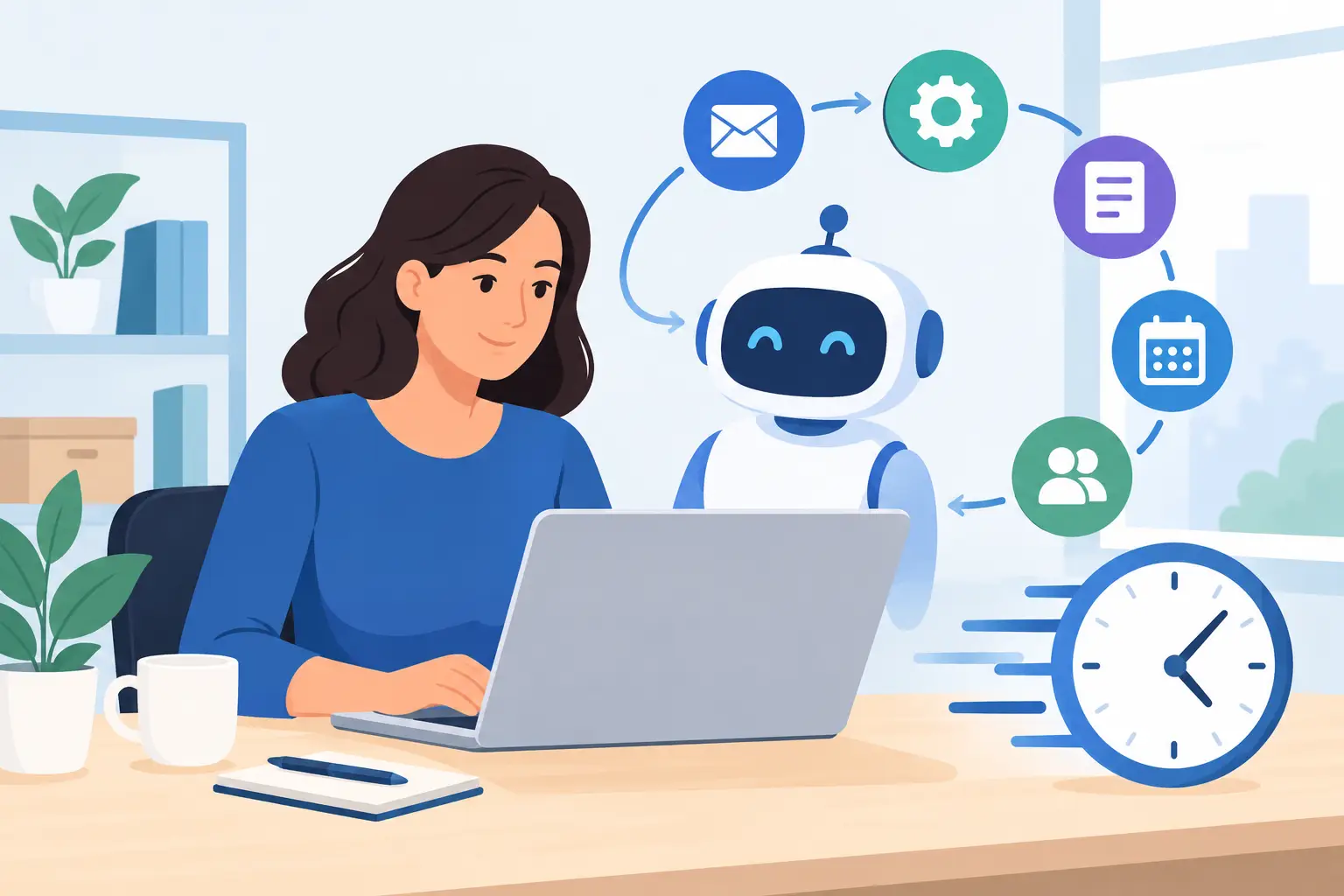
A missed call at 4:30 p.m. can cost a contractor a job. An unanswered website inquiry can send a prospective patient or customer to the next business in search results. A staff member spending two hours each morning sorting emails, confirming appointments, and retyping information has less time for the work customers actually pay for.
That is where AI automation for small business becomes practical. It is not about replacing the people who know your customers, your trade, or your operations. It is about giving those people better systems for handling routine work, responding consistently, and keeping important tasks from slipping through the cracks.
For many small businesses, the best starting point is not a complicated AI project. It is one recurring operational problem with a clear cost in time, missed opportunities, or customer frustration.
What AI Automation Can Actually Do
AI automation combines artificial intelligence with the business systems you already use. A traditional automated workflow follows fixed rules: when a form is submitted, send an email. AI adds the ability to interpret language, organize information, create a useful first draft, or route a request based on its meaning.
For example, a restaurant may receive messages about reservations, catering, hours, dietary questions, and job applications. An automated system can identify the type of request, send an approved response to common questions, and direct anything more specific to the right person. The owner still makes the judgment calls. The system simply handles the sorting and first response.
A professional office might use automation to turn voicemail messages into written summaries, flag urgent terms, create a follow-up task, and notify the appropriate team member. A retailer may use it to categorize customer questions and prepare responses based on store policy. A contractor may use it to collect basic project details before scheduling an estimate.
The goal is not to automate every customer interaction. The goal is to remove repetitive steps so staff can focus on customers, service delivery, and decisions that require real experience.
The Best AI Automation for Small Business Starts With Repetition
Small businesses often look first at the newest software. A better question is: where does the same work happen over and over again?
Look for work that is frequent, predictable, and easy to define. Common starting points include incoming calls and messages, appointment reminders, lead follow-up, estimate requests, document intake, internal task routing, and routine status updates. These activities can consume hours every week even when no individual task seems difficult.
A useful test is to ask three questions. Does this task happen often? Does a delay create a customer or financial problem? Can staff describe the desired outcome in plain language? If the answer is yes, it may be a strong automation candidate.
A local service company, for instance, may want every web inquiry acknowledged within five minutes. The automation can send a professional confirmation, ask for missing information, alert the sales team, and place the request into a follow-up queue. That does not guarantee a sale, but it prevents a promising lead from being forgotten during a busy day.
Not every process should be automated. Complaints, sensitive financial conversations, complex service issues, medical matters, personnel decisions, and high-value contract negotiations usually need human review. Automation should make escalation easier, not create a barrier between your business and the people who need help.
Start With Customer Communication
Customer communication is often the most practical place to begin because the results are easy to see. Faster responses can improve customer confidence, while consistent information reduces confusion for staff and callers.
A business phone system with an automated receptionist can answer common routing needs outside normal hours, direct calls to the right department, and make the business sound organized even when the team is small. Pair that with voicemail transcription and follow-up workflows, and employees have a clearer picture of what needs attention when they return to their desks.
Your website can support the same process. Instead of a generic contact form that sends every inquiry into one inbox, use forms that gather the details your team needs. A plumbing company may ask about location, service type, urgency, and preferred contact time. A law office may collect general intake information while clearly avoiding sensitive details that should not be submitted through an open form.
AI can help classify those requests and generate a first reply using approved language. The important phrase is approved language. Your business should set the boundaries, including what the system can say, when it must involve a person, and what promises it is not allowed to make.
Build the Process Before You Buy the Tool
Automation problems are often process problems in disguise. If no one knows who owns a lead after it arrives, adding AI will not solve the issue. It may only move the confusion faster.
Before selecting a platform, map the current process from start to finish. Write down what triggers the work, who handles it, what information they need, which systems they use, and what a successful outcome looks like. Keep it simple. A one-page process map is more useful than a long technical document no one will read.
Then identify the weak point. Maybe leads are not acknowledged promptly. Maybe staff re-enter customer information in three places. Maybe callers cannot reach the right person. Maybe invoices are delayed because paperwork arrives in inconsistent formats. Choose one measurable improvement, such as reducing response time, cutting manual data entry, or reducing missed calls.
This approach also keeps costs under control. A small, well-designed workflow that saves five staff hours a week is more valuable than a large AI subscription with features nobody uses.
Protect Your Business Data
Convenience is not enough. AI automation touches customer information, employee information, communications, and business records. That means security and oversight must be part of the plan from the beginning.
Do not treat every AI tool as a safe place to paste emails, customer files, financial details, or confidential documents. Understand where information is stored, who can access it, whether data is used to train outside models, and how long it is retained. Use accounts with strong passwords and multi-factor authentication. Limit access by role so employees only see the information they need.
For healthcare, legal, financial, education, government, and other regulated organizations, the requirements may be stricter. The right solution depends on the type of information involved, your industry obligations, and the systems you already operate. In those cases, a consultation before implementation can prevent an expensive mistake.
You also need a human review process. AI can summarize a call incorrectly, misunderstand a customer request, or generate language that sounds confident but does not match your policy. Review customer-facing messages during setup, test the workflow with real scenarios, and give employees a clear way to correct errors.
Measure Results That Matter
The value of automation should show up in daily operations, not just in a software dashboard. Track a few practical measures before and after implementation: response time to inquiries, missed calls, appointment no-shows, time spent on data entry, number of overdue follow-ups, and customer satisfaction trends.
Give the workflow enough time to operate, then review what is happening. If an automated reply creates more questions than it resolves, adjust the message. If staff are receiving too many notifications, refine the routing rules. If a workflow is working well, consider adding the next step rather than replacing the entire process at once.
This is where a managed technology partner can be helpful. Freedom USA Technologies can help organizations connect communication, websites, security, cloud tools, and automation into a working process that fits how the business actually operates. The technology should be understandable, supported, and built around a defined business need.
A Practical First Step
Choose one task your team repeats every day and write down what “better” would look like. It may be responding to new leads in minutes instead of hours, making sure every voicemail reaches the right person, or sending appointment reminders without asking staff to remember each one.
Start there. A well-managed first automation can give your team time back, improve the customer experience, and create a dependable foundation for the next improvement.